PDF to PNG Converter
Convert each page of your PDF into crisp, lossless PNG images.
The PDF to PNG converter renders each page of your PDF as a high-resolution PNG image. PNG uses lossless compression, so text and fine details stay perfectly sharp — ideal for screenshots, designs, and documents with small print. Everything happens in your browser, and you can download the images individually or as a ZIP.
Drag & drop your PDF file here
or click to browse files
Why Convert a PDF to PNG?
PNG keeps every pixel of your pages intact, so text and graphics stay razor sharp.
- Export pages with fine text and thin lines without any compression artifacts.
- Create crisp screenshots and images for presentations, slides, and documents.
- Turn pages into transparent or high-detail graphics for web and design work.
- Archive scanned or text-heavy documents in a lossless image format.
How to Convert PDF to PNG
Step 1: Upload Your PDF
Drag and drop your PDF into the upload area or click to browse. One file is all it takes, and files up to 100MB are supported.
Tip: PNG is the best choice when your pages contain fine text, charts, or graphics that need to stay pixel-perfect.
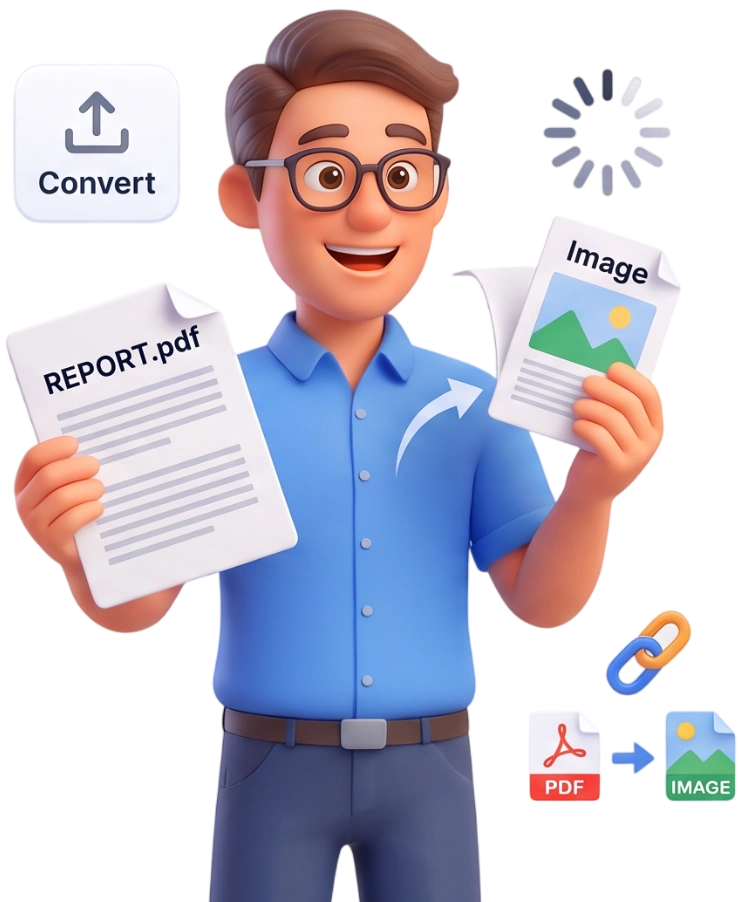
Step 2: Convert to PNG
Click Convert to PNG. PDFit renders every page at high resolution and creates one lossless .png file per page, ready in just a few seconds.
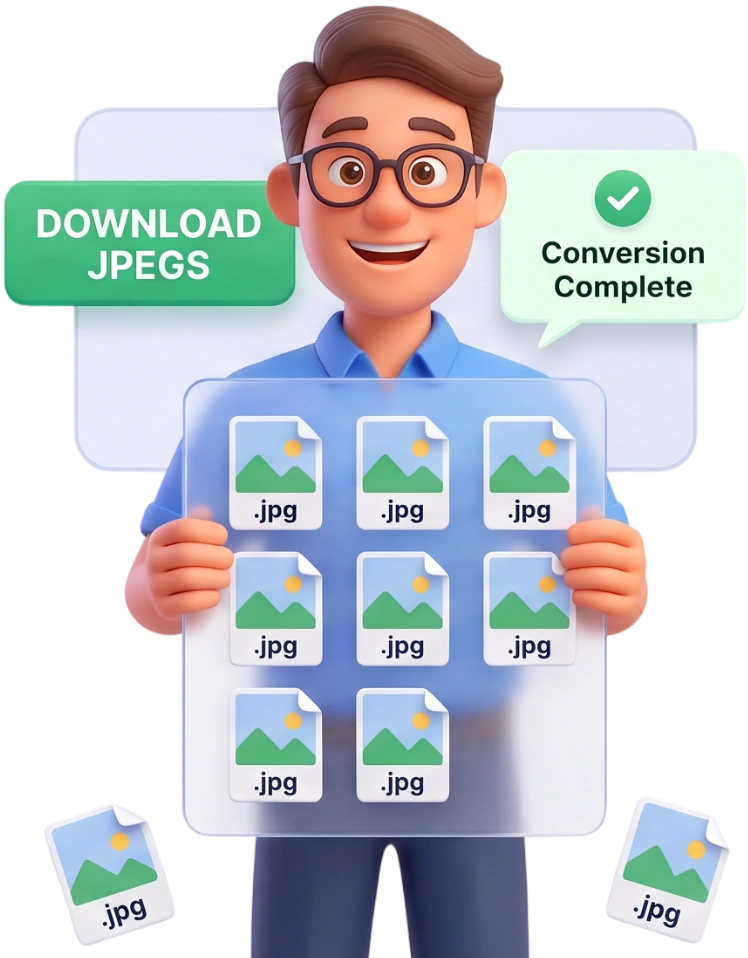
Step 3: Download Your Images
Download each PNG individually or use Download All (ZIP) to grab every page at once in a single compressed folder.
Frequently Asked Questions
What is the maximum PDF file size I can convert?
You can convert PDFs up to 100MB per file. For larger documents, compress the PDF first and then convert it.
Are my files uploaded to a server, or is everything private?
Everything happens locally in your browser. Your PDF never leaves your device and nothing is stored or uploaded.
Can I convert a PDF on my phone or tablet?
Yes. The converter works in any modern mobile browser, so you can export PNGs on a smartphone or tablet without installing anything.
Is this tool free, and do I need an account?
It is completely free. No account, no login, no watermark, and no hidden fees, just upload, convert, and download.
Is PNG lossless? Will my pages keep full quality?
Yes. PNG uses lossless compression, so every pixel of your page is preserved exactly, including fine text, thin lines, and sharp edges.
How do quality and file size compare?
PNG files are larger than JPEGs because they keep every detail. Choose PNG for sharpness and JPEG for smaller, share-friendly file sizes.
Can I export all pages of a multi-page PDF?
Yes. Every page becomes its own PNG, named like yourdocument-page-1.png, page-2, and so on. Use Download All (ZIP) to get them all at once.
Can I convert only specific pages?
The tool exports every page, but you can use the Split PDF tool first to isolate the pages you need and convert just that file.
What is the resolution of the PNG images?
Pages are rendered at a 2x scale, which produces high-resolution images suitable for printing and most screen use.
Can the PNG files be edited like a PDF?
No. PNG is a flat image, so the text and layout become part of the picture. Use PDF to Word or an OCR tool if you need editable text.
Convert PDF to PNG Free
Turn every page into a sharp PNG in seconds, no signup, no watermarks, completely free.
Convert My PDF to PNG