Compare PDF Files
Compare two PDF files side by side and highlight differences.
Compare two PDF files side by side and instantly spot every difference. PDFit renders both documents page by page, then flags changed, added, or missing content so you can review revisions, contracts, or invoices without hunting through the whole file.
Drag & drop two PDF files here
or click to browse files
Why Compare PDFs?
A quick visual comparison is the fastest way to catch unintended changes before a document goes out.
- Review contract revisions carefully before you sign
- Verify that an invoice or report matches the approved original
- Check that a converted or edited PDF lost nothing during processing
- Spot pages that are missing between two versions of the same document
How to Compare PDFs
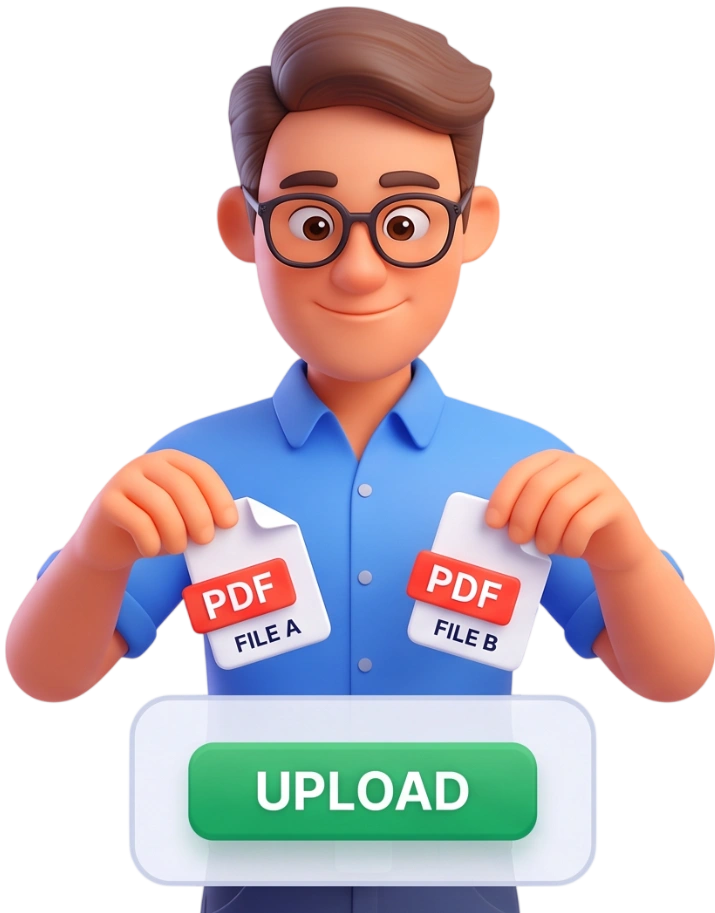
Upload Two PDFs
Drag and drop exactly two PDF files into the upload area, or click to browse. The tool accepts two files only, so pick the original and the revised version you want to compare side by side.
Tip: keep the reference file, usually the original, as the first one you select; it appears on the left side.

View Side by Side
Click Compare PDFs and PDFit renders both documents page by page, pairing pages with the same number. The progress bar shows how many pages have been analyzed while the comparison runs.
Highlight Differences
Toggle between Side by Side and Highlight Differences to see changed areas marked with red overlays and arrows. A summary tells you how many pages matched and how many differ.
Frequently Asked Questions
Is there a file size limit?
PDFs up to 100MB are supported. Larger files take a little longer to process because every page is drawn as an image for comparison.
Are my files uploaded to a server?
No. Everything runs inside your browser; the files never leave your device and are automatically deleted from memory once the session ends.
Can I use this on my phone?
Yes. The tool works on any modern phone, tablet, or computer. On small screens the two columns stack vertically so you can still follow the comparison.
Is comparing PDFs free?
Completely free, with no account, no signup, and no watermark on the comparison view.
What exactly is being compared?
The tool renders both PDFs page by page and compares the visual output pixel by pixel. Text that looks the same on screen is treated as identical, even if the underlying structure differs.
What if one document has more pages than the other?
Comparison continues to the last page of the longer document. Pages that exist in only one file are marked as missing so you notice them immediately.
Can I compare two files with different page sizes?
Yes. Both pages are drawn at their own dimensions, and the tool still detects and highlights changed regions between them.
Does the highlight show me where text changed?
Yes. Changed regions are covered with a red overlay, and arrows point to the exact areas that differ from the other document.
What do the statistics mean?
After the run you see total pages compared, identical pages, and different pages. Identical pages are hidden so you only scroll through pages that actually changed.
Can I download the comparison result?
No export is needed: the side-by-side view and the diff summary stay on screen until you close the page or start a new comparison.
Try It Free
No signup, no watermarks, completely free - upload two PDFs and see every difference in seconds.
Compare My PDFs