OCR PDF Recognition
Extract text from scanned PDF documents and images using optical character recognition. Works 100% in your browser.
Turn scanned PDFs into searchable, selectable text with OCR right in your browser. Upload your document, pick the language, and extract accurate text from every page in seconds. Your files stay on your device and are never uploaded anywhere.
Drag & drop your PDF file here
or click to browse files
Why OCR a PDF?
OCR unlocks the text hidden inside scanned pages so you can search, copy, edit, and reuse it.
- Search inside old scanned contracts and reports instead of reading them page by page.
- Copy names, numbers, and quotes from a scanned document into your own notes or documents.
- Make scanned books and articles accessible to screen readers and text-to-speech tools.
- Reuse content from image-based PDFs in emails, spreadsheets, or translated documents.
How to OCR a PDF
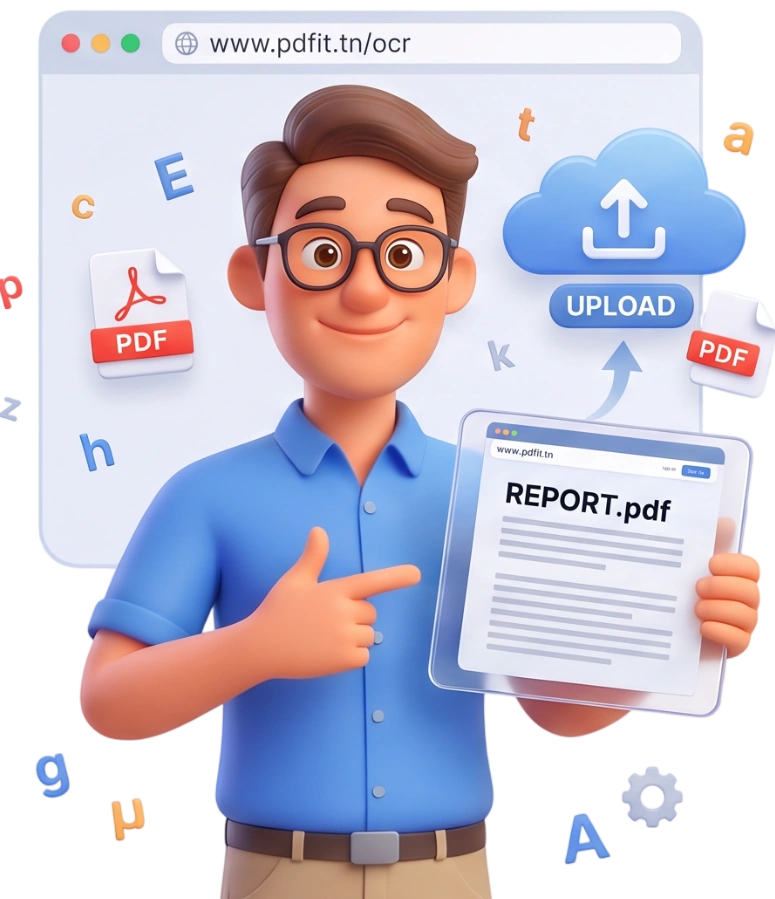
Step 1: Upload Your PDF
Drag and drop your scanned PDF onto the upload area or click to browse. The tool accepts a single PDF up to 100MB and works entirely in your browser using on-device processing.
Tip: For better results, upload a clean scan with good contrast and straight pages.
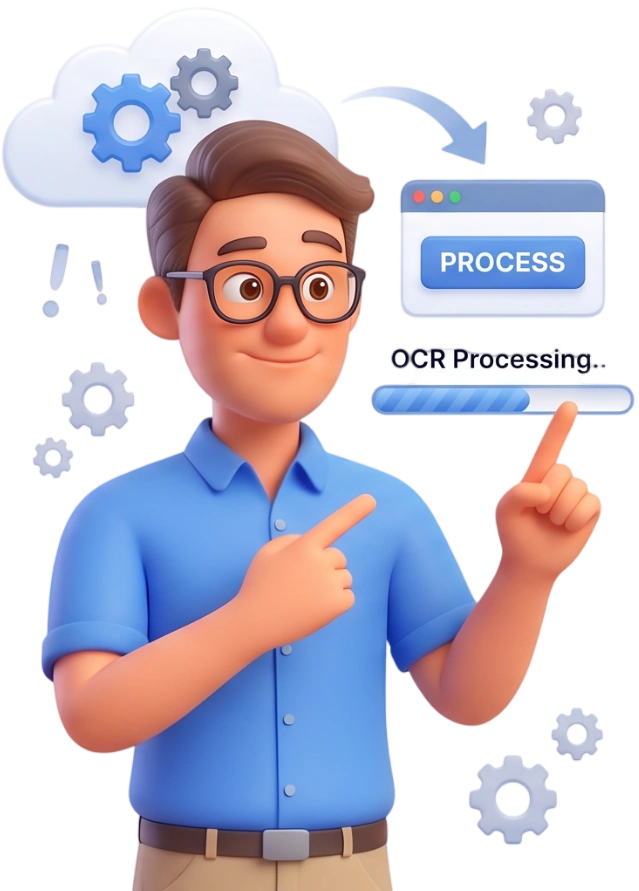
Step 2: Select the Document Language
Pick the language of your document from the OCR Language dropdown. Choosing the right language noticeably improves recognition, and over 30 languages are available including English, French, Spanish, Arabic, German, and more.
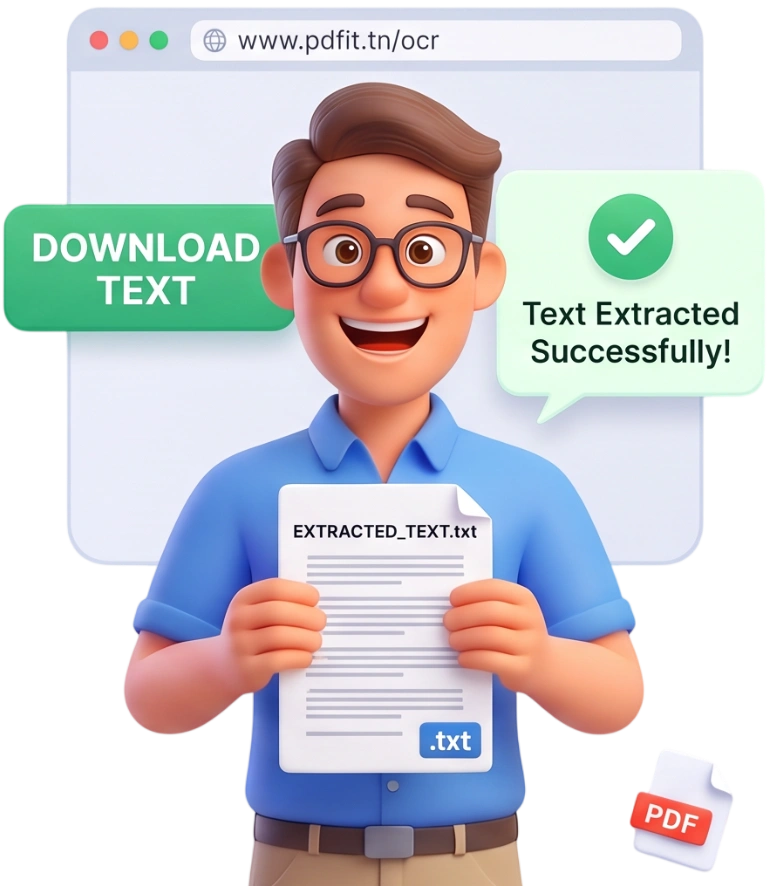
Step 3: Extract, Copy, and Download
Click Extract Text and watch each page get recognized. Results appear with a confidence score per page, and you can copy any page's text or click Download All Text to save everything as a text file.
Frequently Asked Questions
What is the maximum file size I can process?
You can process a single PDF up to 100MB. Larger files might take longer or run slowly on low-end devices, so keeping your document within the limit gives the smoothest results.
Are my files uploaded to a server?
No. OCR runs entirely in your browser with Tesseract.js, so your PDF never leaves your device and nothing is uploaded. Files are automatically removed from memory after the session.
Can I OCR a PDF on my phone?
Yes, the tool works in any modern mobile browser. Processing happens on your device, so a newer phone will typically finish recognition faster.
Is OCR free?
Completely free, with no account, no subscription, and no watermark. You can extract text from as many PDFs as you need, whenever you want.
How accurate is the OCR?
Accuracy depends mostly on scan quality, image resolution, and font clarity. Clean scans with strong contrast produce near-perfect results, and the tool shows a confidence score for each page so you know where to double-check.
Which languages are supported?
Over 30 languages are available, including English, French, Spanish, German, Italian, Portuguese, Arabic, Russian, Chinese, Japanese, Korean, and many more. Select the language in the dropdown before extracting.
Do I need OCR for a digital PDF?
Usually not. Digital PDFs already contain selectable text. OCR is meant for scanned or image-based PDFs, where the pages are photos of documents and the text is not accessible.
What output formats can I get?
The tool shows recognized text on screen per page and lets you copy it directly. The Download All Text button saves the full document as a plain text file (.txt) that you can open anywhere.
What does the confidence score mean?
Each page shows a confidence percentage that reflects how sure the engine is about its recognition. High scores mean clean results, while low scores are a hint to check that page or use a better-quality scan.
Can I OCR a multi-page document?
Yes, the whole document is processed page by page. Each page appears with its thumbnail, its recognized text, and its own confidence score, so you can review and copy results individually.
Extract Text in Seconds
Turn your scanned PDFs into editable text right now — no signup, no watermarks, completely free.
OCR My PDF