PDF to Word Converter
Convert PDF documents into editable Word-compatible text files.
Turn your PDF documents into editable Word files in seconds. PDFit runs the whole conversion right in your browser, so your text, images and basic formatting move over to a .docx file you can open in Microsoft Word, LibreOffice or Google Docs. No software to install and no file ever leaves your device.
Drag & drop your PDF file here
or click to browse files
Why Convert PDF to Word?
Make any PDF editable again so you can update, repurpose and reuse its content without retyping everything from scratch.
- Update an old resume or CV when you no longer have the original document.
- Copy text and quotes from a PDF straight into a report, essay or article.
- Reuse the content of manuals or e-books in your own notes and templates.
- Turn a read-only PDF into a file your team can review, comment on and amend.
How to Convert PDF to Image
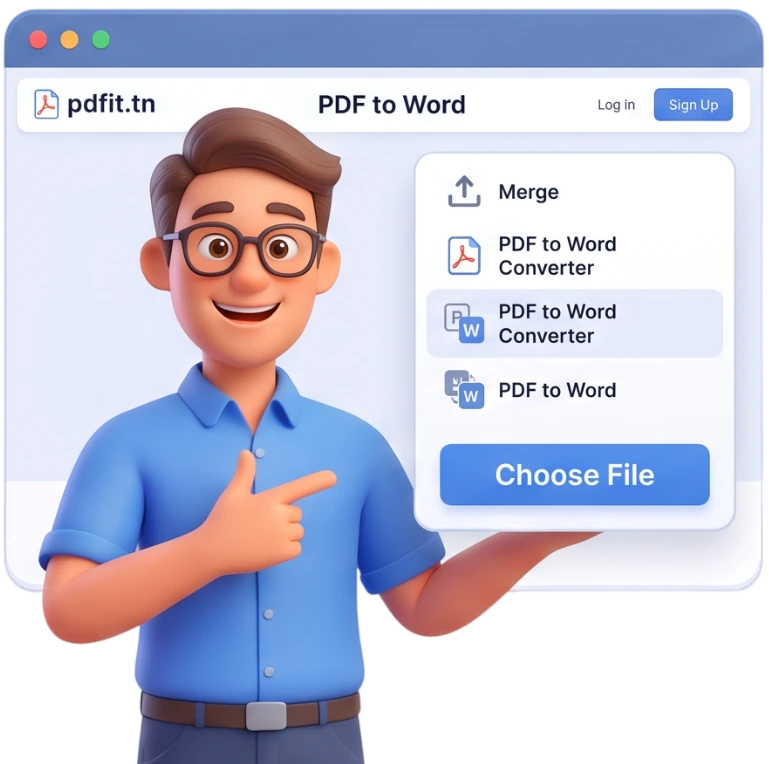
Step 1: Upload Your PDF
Drag and drop your file onto the upload area or click to browse your device. You can add several PDFs at once, and each one will be converted to its own Word file.
Tip: The upload area accepts files up to 100MB, so even large documents are no problem.
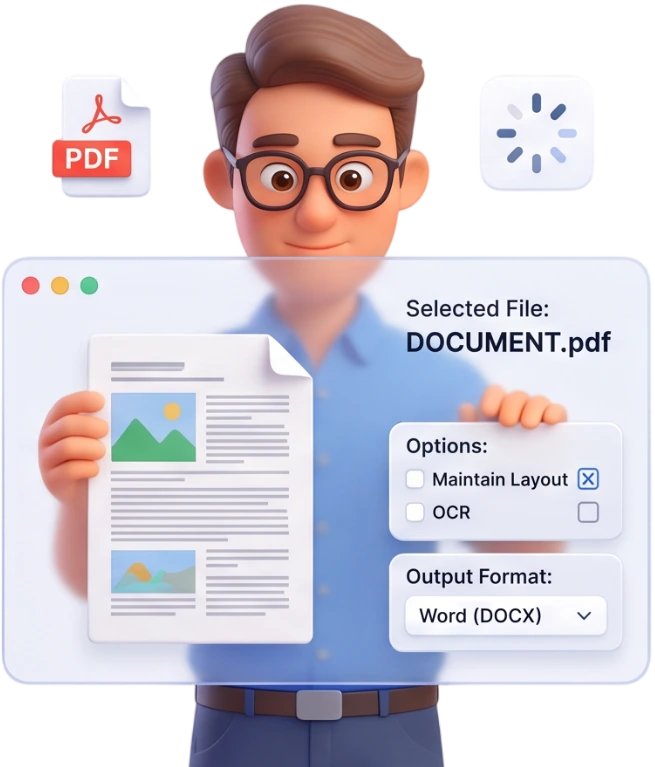
Step 2: Convert
Click the Convert to Word button. The tool reads the text and images from your PDF and rebuilds them as a .docx document, all locally in your browser.
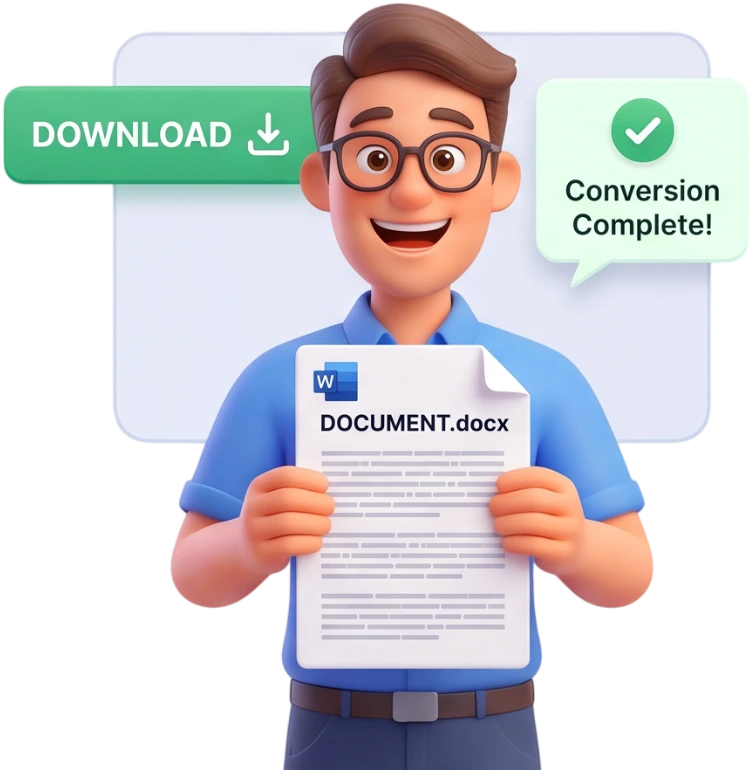
Step 3: Download
Download each converted file individually, or grab every result at once as a ZIP archive.
Frequently Asked Questions
Is this tool really free?
Yes, PDFit is 100% free, with no signup and no watermarks. You can convert as many files as you want without ever creating an account.
Are my files uploaded to a server?
No. The conversion happens entirely in your browser and your files are never uploaded. As soon as you close the page, they are wiped from memory.
What is the maximum file size?
You can convert files up to 100MB. Documents are processed locally on your device, so there is no strict limit on the number of pages.
Will my fonts and formatting be preserved?
Your text, images and basic formatting are carried over into the Word file. Very complex layouts may need a small touch-up once the document is open.
Can I convert a scanned PDF?
Yes, but scanned text is embedded as an image, because a scan does not contain real text. For selectable text, run the file through the PDFit OCR tool first.
Will tables stay editable?
Simple tables usually remain usable. Very complex or very wide tables may be converted as images and require a bit of rework inside Word.
Can I edit the result in Microsoft Word?
Absolutely. The result is a standard .docx file that opens and edits in Microsoft Word, LibreOffice and Google Docs.
Does it work on mobile?
Yes, the conversion works from a phone or tablet. Just pick your PDF from the device and the Word file will be generated right away.
Why does the text or layout look different from the original?
PDFs do not always store the original text information, only its appearance. The conversion reproduces the content as closely as possible, but a few style differences may remain.
Can I convert several PDFs at the same time?
Yes, just add all the files you want: each one produces its own .docx file. You can download them one by one or all together in a ZIP.
Ready to Edit Your PDF?
No signup, no watermarks, completely free - convert your PDF to an editable Word file now.
Convert My PDF to Word