Image to PDF
Convert JPG, PNG, and other image formats into a single PDF document. Perfect for scanning and archiving.
Turn any batch of pictures into a clean, printable PDF in seconds. Upload JPG, PNG, BMP, GIF, TIFF, or WebP files, arrange them in the order you want, and PDFit places every image on its own page. No software to install and no account needed, so converting never interrupts your flow.
Drag & drop your images here
or click to browse files
Why Convert Images to PDF?
A PDF keeps your photos and scans in one tidy, shareable document that looks the same on every device.
- Send a full contract or photo album as a single file instead of ten loose images.
- Archive old scans and receipts in an order that will never shuffle itself around.
- Print several pictures at once without rebuilding each page in a word processor.
- Share high-resolution images that viewers cannot accidentally edit or misplace.
How to Convert Images to PDF
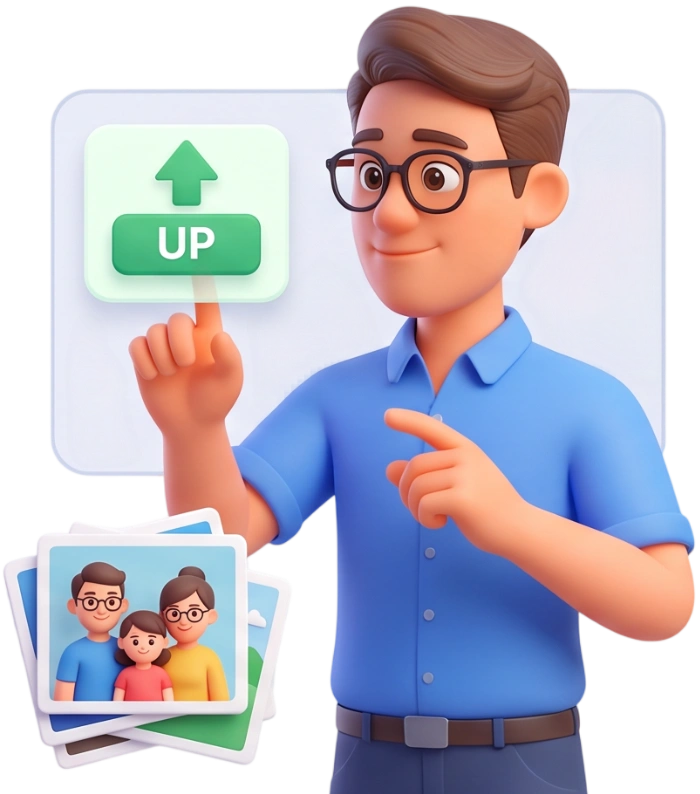
Step 1: Upload Your Images
Click the upload area or drag and drop your images straight onto the page. You can select many files at once, and each file can be up to 100MB.
Tip: pick all the pictures you need in one go so you do not have to add them one by one.
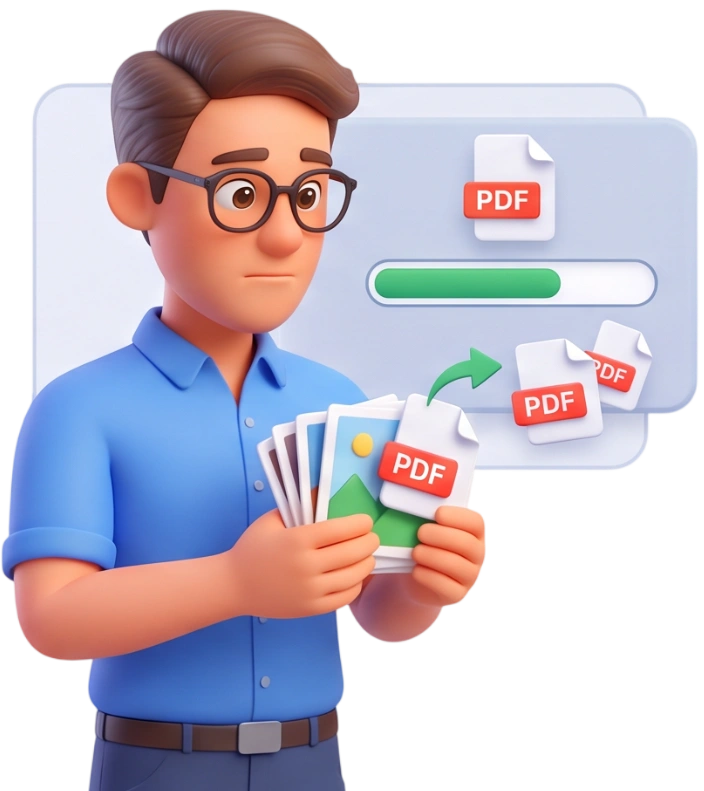
Step 2: Arrange the Order
Every image becomes its own PDF page, so the sequence matters. Drag the thumbnails to reorder them, or use Add More and Clear All to fine-tune the batch before converting.
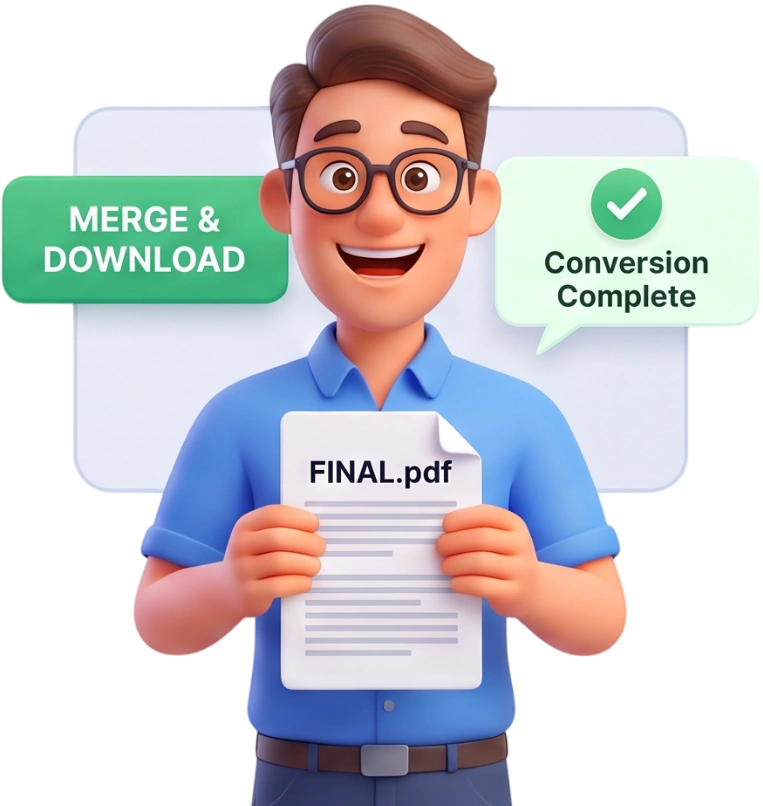
Step 3: Convert and Download
Press the Convert to PDF button and wait a few seconds. PDFit builds the document in your browser and downloads the finished PDF automatically.
Frequently Asked Questions
Is there a file size limit?
Each image can be up to 100MB, which is plenty for phone photos and high-resolution scans. Your browser stays responsive because the whole job runs locally.
Are my images uploaded to a server?
No. Everything happens in your browser, so your pictures never leave your device. Files are processed locally and cleared automatically after the conversion.
Does it work on my phone?
Yes. The tool runs in any modern browser on iOS or Android, and the layout adapts to a small screen, so you can convert just as easily from your phone as from a computer.
Is Image to PDF really free?
Completely. There is no account to create, no credit card, and no watermark stamped on your document. Convert as many images as you like without paying a cent.
Will my images lose quality in the PDF?
No. Each picture is embedded at its original resolution, so the PDF keeps every detail. If your photo is larger than an A4 page, PDFit scales it down slightly to fit without cropping.
Can I combine multiple images into one PDF?
Yes, that is the core feature. Upload as many images as you need and every one becomes a page in a single PDF file, in the order you arrange them.
How does PDFit handle landscape and portrait images?
Each page is sized to match its image, so a portrait photo produces a portrait page and a wide photo produces a landscape page. Nothing gets cropped or distorted.
What page size will the PDF use?
Pages follow your image dimensions, up to an A4-size boundary, with no margins added. This keeps the layout natural, so the document prints well without wasted white space.
Can I scan documents straight into the PDF?
You can use your phone camera or a scanner to create JPG or PNG files, then upload them here. The tool accepts scanned images just like any other picture and keeps them readable in the PDF.
Which image formats are supported?
You can upload JPG, PNG, BMP, GIF, TIFF, and WebP files, and even mix different formats in the same batch. Each image is embedded as a page in the finished PDF.
Try It Free
No signup, no watermarks, no limits to convert your images into one tidy PDF.
Convert Images to PDF