Sign PDF
Add your electronic signature to any PDF document. Draw, type, or upload your signature.
Sign your PDF documents online in seconds with PDFit. Draw, type, or upload your signature and drop it anywhere on any page of your file. The finished document downloads straight to your device, ready to share or submit.
Drag & drop your PDF file here
or click to browse files
Why Sign a PDF Online?
Turn a finished PDF into a signed, ready-to-send document in seconds instead of printing, signing and scanning.
- Close deals faster by signing contracts and agreements the moment they arrive.
- Approve invoices, timesheets and internal forms without waiting for the printer.
- Add your signature to lease agreements, waivers and consent forms before you share them.
- Keep a clean digital record of every document you sign, right from your browser.
How to Sign a PDF
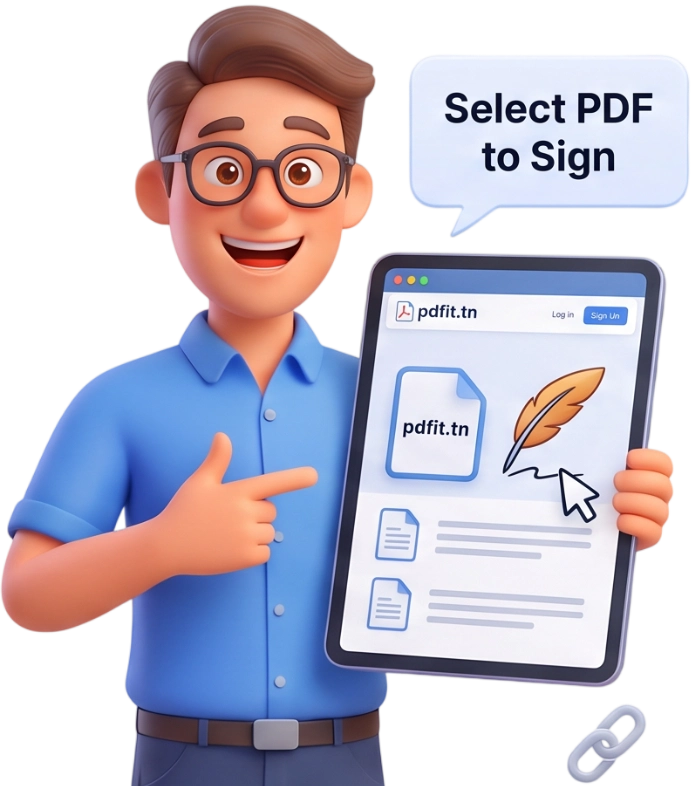
Step 1: Upload Your PDF
Drag and drop your PDF onto the upload area or click to browse your device. Files up to 100MB are accepted, and everything is processed locally in your browser.
Tip: Make sure the document you upload is the final version you want to sign.
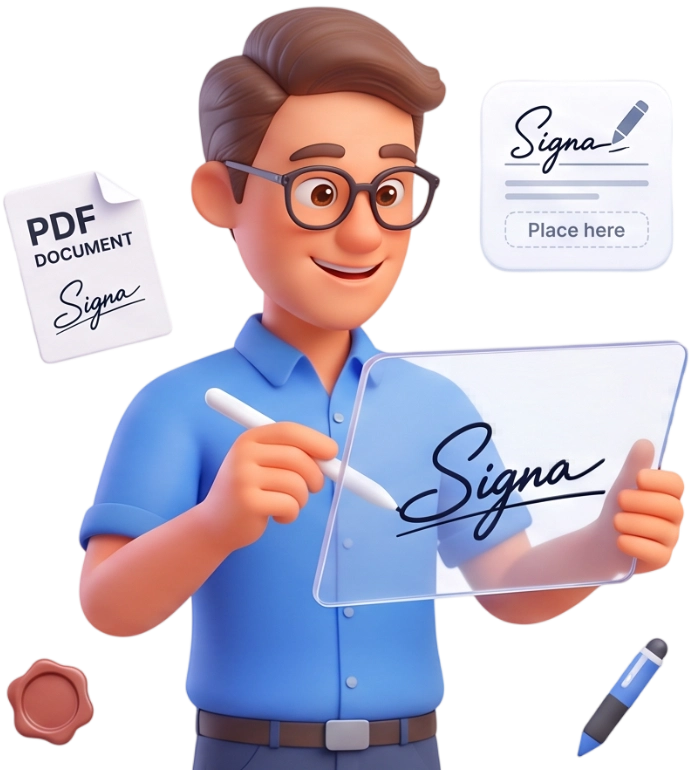
Step 2: Create Your Signature
Choose Draw to sketch your signature with the mouse, Type to write your name in a cursive font, or Upload to add a saved signature image. Adjust the color, stroke size and font until it looks right, then hit Use This Signature.
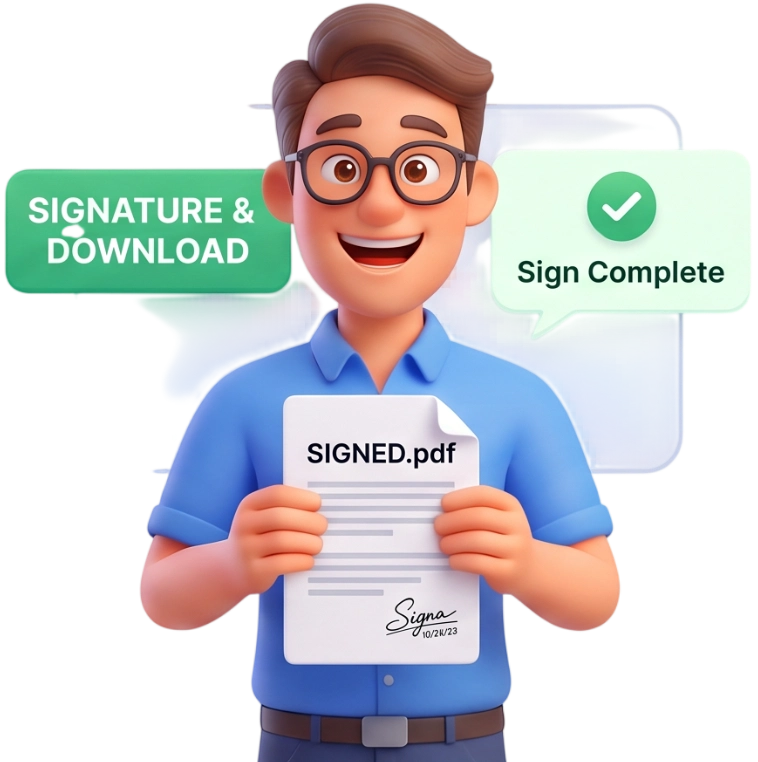
Step 3: Place It and Download
Move the signature to the right spot on any page, resize it with the slider, then click Apply & Download to save your signed PDF instantly.
Frequently Asked Questions
Is there a file size limit?
You can upload PDFs up to 100MB. That covers most contracts and forms, and since processing happens locally in your browser, even large files stay quick.
Are my documents uploaded to a server?
No. Every file stays in your browser and is never sent to a server. Your document is processed locally and automatically cleared from memory when you finish.
Can I use PDFit on my phone?
Yes. The sign tool works on any phone, tablet or desktop browser, so you can sign documents on the go without installing an app.
Is signing free?
Completely. You do not need an account, there is no watermark, and you can sign as many PDFs as you like for free.
Will signing change the quality of my PDF?
No. The original text, images and layout are preserved exactly, and only your signature is added on top of the page.
What signature types can I use?
You can draw a signature with your mouse, type your name in a cursive font, or upload an existing signature image in PNG or JPG format.
Can I place the signature on any page?
Yes. Use the page navigation arrows to move between pages, then drag your signature into place on whichever page you need.
Are signatures made with this tool legally valid?
In most regions an electronic signature placed this way carries the same weight as a handwritten one for everyday documents. For notarized or court documents, check the specific requirements of your jurisdiction.
Can I add more than one signature?
Yes. You can create and place multiple signatures or initials across the document. Simply repeat the process for each signature you need to add.
Can I change the signature size?
Absolutely. Use the signature size slider to shrink or enlarge your signature before you apply it, so it always fits the space you have.
Sign Your PDF Now
No signup, no watermarks, completely free. Add your signature and download the signed document in seconds.
Sign My PDF