Lock PDF
Password protect your PDF files with strong encryption. Keep your sensitive documents safe.
Lock your PDF with a password right in your browser and keep sensitive documents private. Set a strong password, choose which actions are allowed, and download a protected copy in seconds. No uploads, no waiting, no sign-up.
Drag & drop your PDF file here
or click to browse files
Why Lock a PDF?
Password protection keeps your documents out of the wrong hands and controls what others can do with them.
- Share confidential contracts or agreements without worrying about unauthorized readers.
- Stop colleagues or clients from copying or printing sensitive internal documents.
- Add a layer of security before emailing invoices, payslips, or personal records.
- Control editing so an official file cannot be altered before it reaches its audience.
How to Lock a PDF
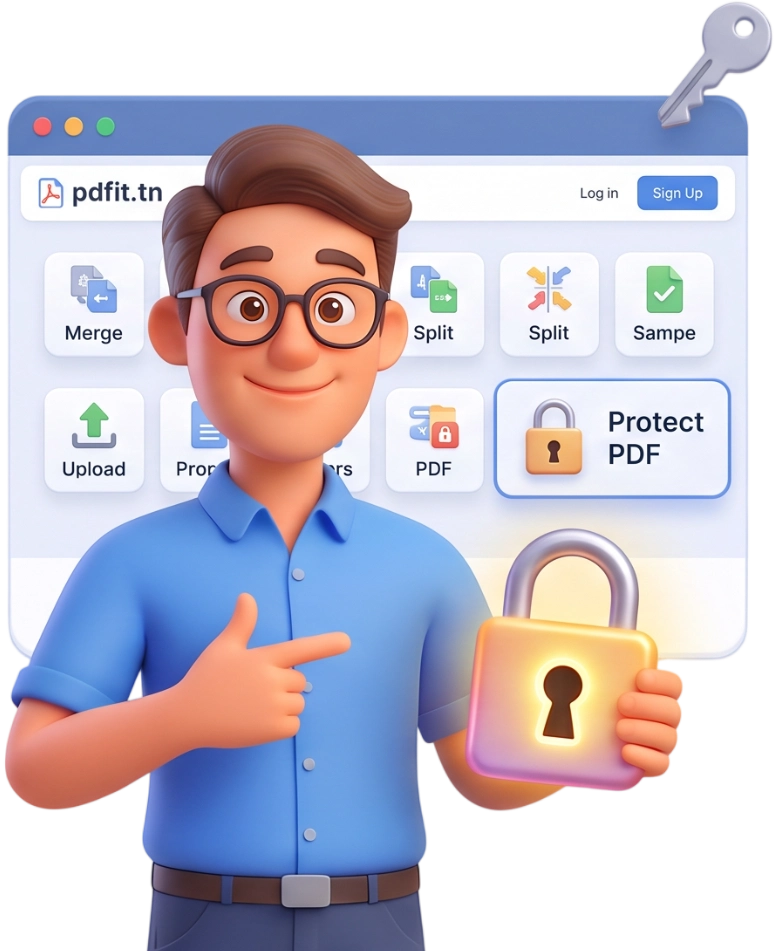
Step 1: Upload Your PDF
Drag and drop your PDF onto the upload area or click to browse your files. The tool accepts a single PDF up to 100MB, and your file never leaves your device.
Tip: Pick a PDF you own or have permission to protect before you begin.
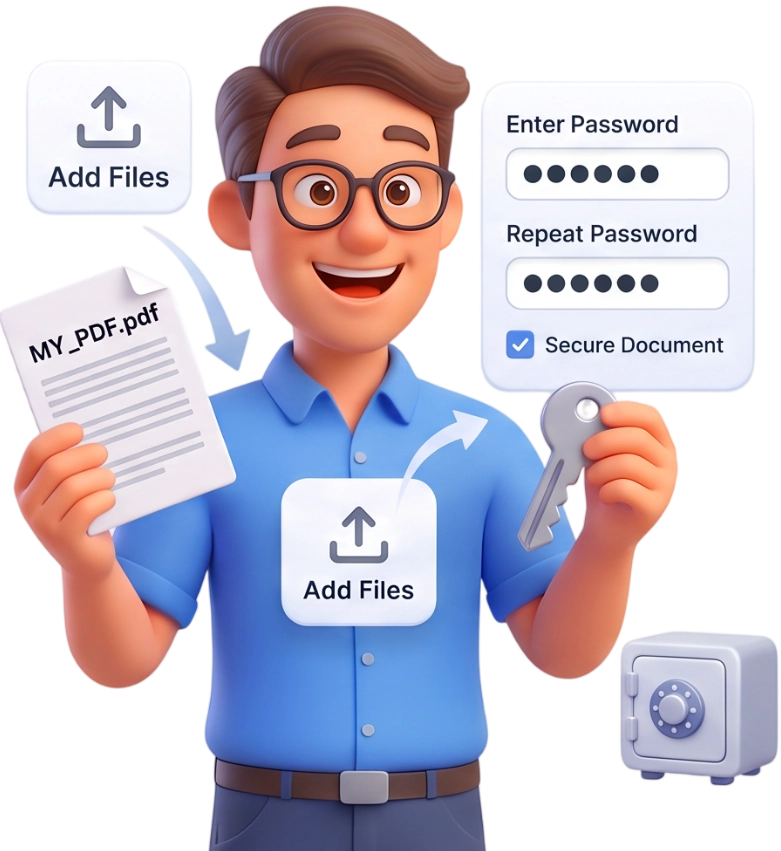
Step 2: Set Your Password and Permissions
Enter a strong password in the Password field and repeat it in Confirm Password. Then use the checkboxes to decide whether printing, copying text, and editing stay allowed in the locked file.
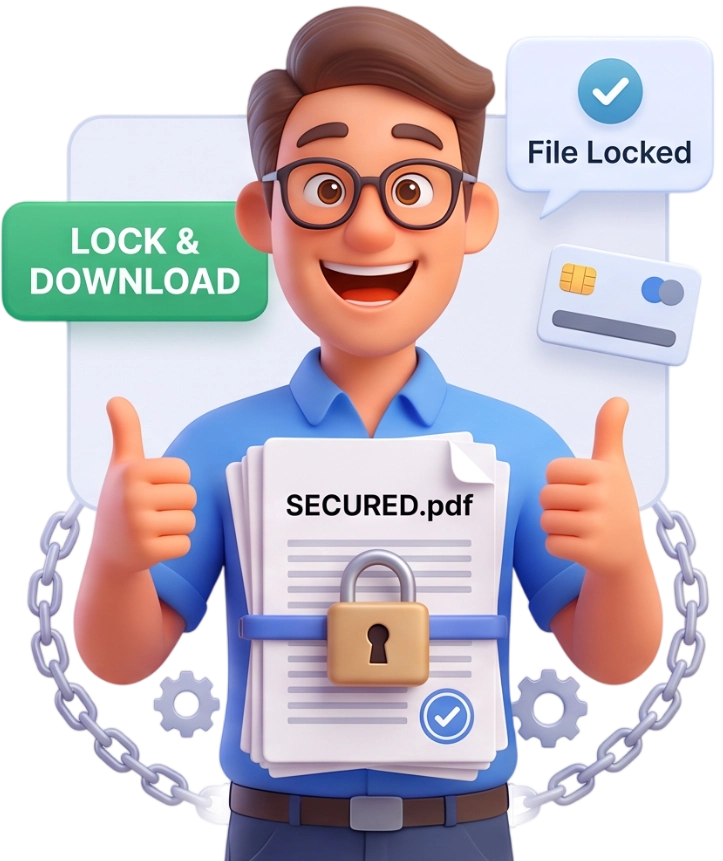
Step 3: Protect and Download
Click the Protect PDF button and wait a moment while your document is encrypted. When it is ready, the protected PDF downloads automatically with the password and restrictions applied.
Frequently Asked Questions
What is the maximum file size I can lock?
You can lock any PDF up to 100MB. Larger files may still work on powerful devices, but for the smoothest experience keep your document within that limit.
Are my files uploaded to a server?
No. Everything happens in your browser using local encryption, so your PDF is never uploaded. The original and the protected copy are automatically removed from your device after the session.
Can I lock a PDF on my phone?
Yes. The tool is fully responsive and works on smartphones and tablets. You can lock documents from any modern mobile browser without installing an app.
Is locking a PDF free?
Completely free, with no account, no subscription, and no watermark added to your file. You can lock as many PDFs as you need, whenever you need.
Does locking a PDF change its quality or layout?
No. Locking only adds encryption and permission flags; the pages, fonts, images, and layout stay exactly as they were. What you get back is the same document, just protected.
What makes a good password for a locked PDF?
Use at least eight characters with a mix of uppercase and lowercase letters, numbers, and symbols. Avoid obvious words or birthdays, and use a different password for each important document.
What happens if I forget my password?
Because the encryption is strong, there is no way to recover a lost password. Keep it in a password manager, because without it neither you nor anyone else can open the locked file.
What do the printing, copying, and editing options mean?
They control what readers may do after opening your file. You can allow or block printing, allow or block copying text, and allow or block editing. By default, printing and copying are allowed and editing is off.
How strong is the encryption used by this tool?
The tool applies the same industry-standard AES encryption used by professional PDF software. The password is required to open the document, so a strong password means a strongly protected file.
Will the download work on any PDF reader?
Yes. The protected file is a standard encrypted PDF that opens in Adobe Acrobat, Preview, Chrome, and most other PDF readers. They simply ask for the password before showing the pages.
Lock Your PDF in Seconds
Protect your documents with a password right now — no signup, no watermarks, completely free.
Lock My PDF