PDF to PowerPoint Converter
Convert PDF presentations to PowerPoint slides.
Turn a PDF presentation into a PowerPoint file you can open, present and share. Each PDF page becomes a slide, so your deck keeps the exact look you designed. Everything is processed in your browser, making the whole conversion private, quick and free.
Drag & drop your PDF file here
or click to browse files
Why Convert PDF to PowerPoint?
Keep the visual design of your PDF while getting a .pptx deck that fits right into your PowerPoint workflow.
- Re-share a client pitch or lecture deck as an editable PowerPoint file.
- Add transitions, speaker notes or your own branding on top of existing slides.
- Combine a PDF deck with other PowerPoint materials in one presentation.
- Deliver training slides to colleagues who prefer working in PowerPoint.
How to Convert PDF to PowerPoint
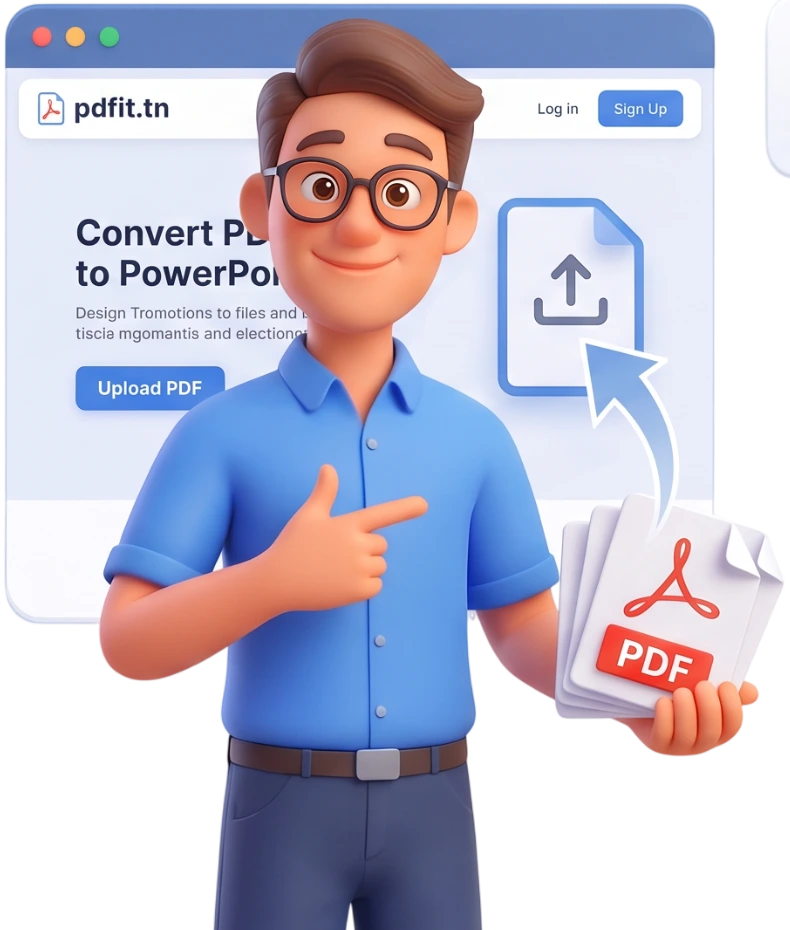
Step 1: Upload Your PDF
Drag and drop your PDF onto the upload area or click to browse your device. You can add several files and convert them all at once.
Tip: Files up to 100MB are supported, and every page of your PDF becomes one slide.
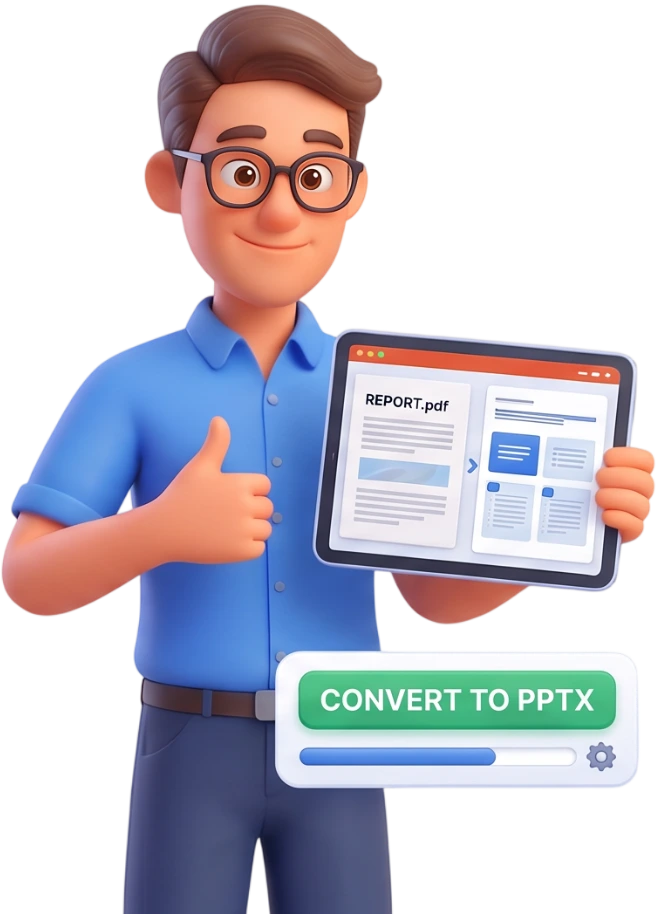
Step 2: Convert
Press the Convert to PowerPoint button. Each PDF page is turned into a slide, preserving the layout and graphics of your original document.
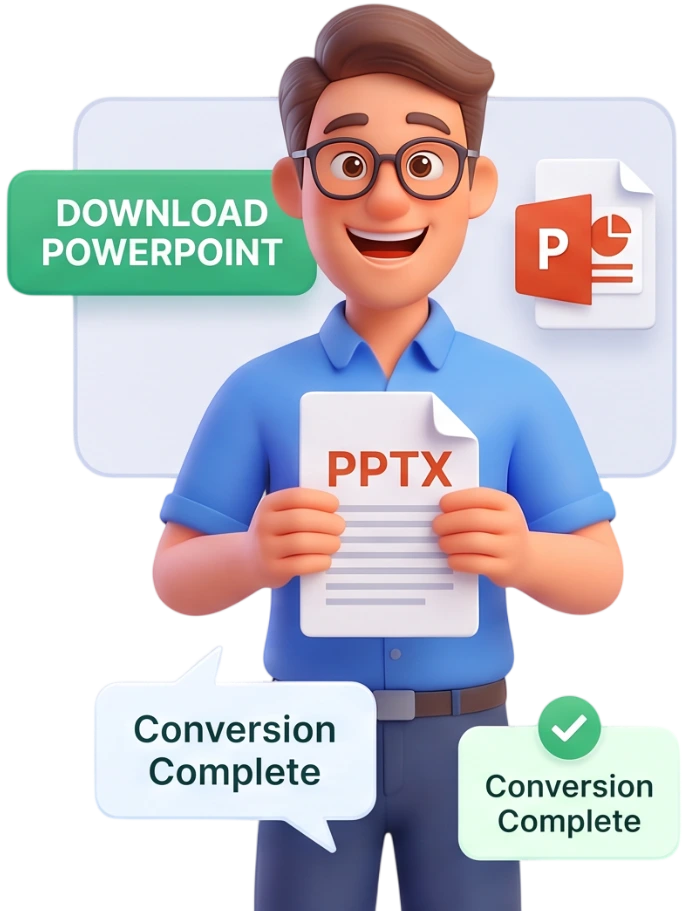
Step 3: Download
Download your .pptx file, or save all converted decks together as a ZIP archive.
Frequently Asked Questions
Is this tool really free?
Yes, PDFit is 100% free, with no signup and no watermarks. Convert as many presentations as you want without ever creating an account.
Are my files uploaded to a server?
No. The conversion happens entirely in your browser and your files are never uploaded. They are automatically deleted as soon as you close the page.
What is the maximum file size?
You can convert files up to 100MB. Presentations are processed locally on your device, so there is no strict limit on the number of slides.
Does each page become one slide?
Yes. Every page of your PDF becomes a slide, in the original order, so the flow of your presentation stays exactly the same.
Will my layout be preserved?
Each slide reproduces the page just as it was designed, with its layout and graphics. Still, the elements remain images, so the arrangement is not editable.
What happens to images and graphics?
Images, charts and illustrations are embedded in each slide at their original position. They appear in your presentation exactly as they do in the PDF.
Can I edit the slides in PowerPoint?
Yes, the .pptx file opens in PowerPoint so you can add text, transitions or notes. Keep in mind the PDF content stays as images and cannot be edited directly.
Does it work on mobile?
Yes, you can convert a presentation from a phone or tablet. Just pick your PDF and the PowerPoint file will be generated right away.
What is the output format?
The output is a .pptx file, the modern PowerPoint format, compatible with PowerPoint 2007 and newer, plus LibreOffice Impress and Google Slides.
Can I convert several PDFs at the same time?
Yes, just add all the files you want: each one produces its own PowerPoint file. Download them one by one or all together in a ZIP.
Your Slides, Ready to Present
No signup, no watermarks, completely free - turn your PDF into a PowerPoint file in seconds.
Convert My PDF to PowerPoint