Organize Pages
Reorder, delete, and rearrange pages in your PDF. Drag and drop to get the perfect order.
The Organize Pages tool lets you reorder, rotate, duplicate, and delete pages in your PDF without installing any software. Drag and drop the page thumbnails into the order you want, then download a clean, restructured document. Your original file is never modified, so you can experiment as much as you like.
Drag & drop your PDF file here
or click to browse files
Why Organize a PDF?
A well-ordered document is easier to read, print, and share.
- Fix a scanned contract whose pages arrived out of order before you send it to a client.
- Pull the most important pages to the front of a report so readers see the key points first.
- Turn pages that came out sideways from a scanner so everything reads the right way up.
- Drop blank or duplicate pages and tighten a document before final delivery.
How to Organize PDF Pages
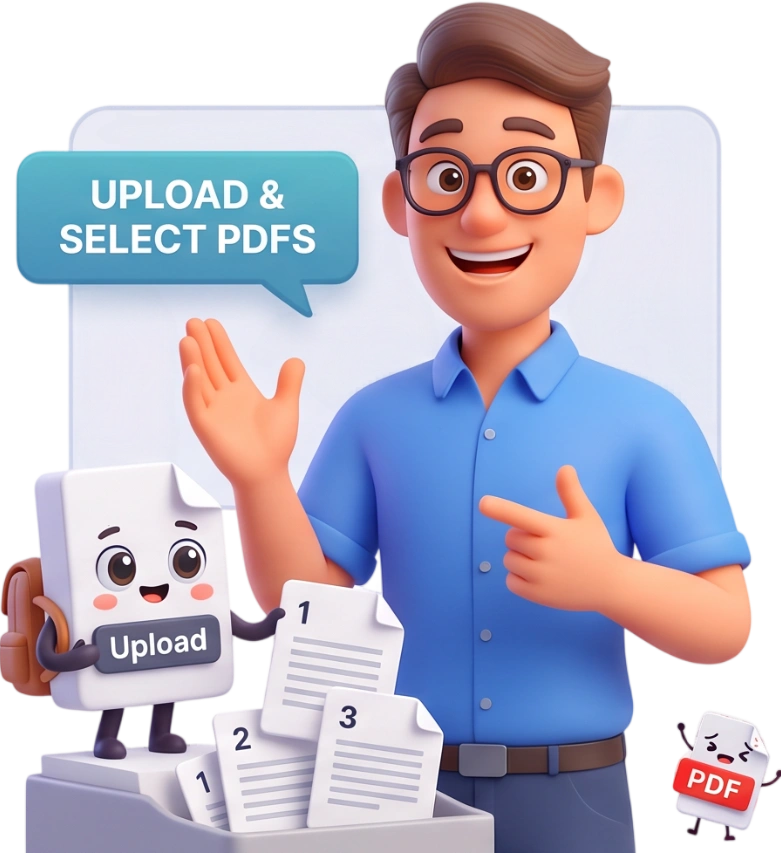
Step 1: Upload Your PDF
Drag and drop your PDF into the upload area or click to browse your device. Files up to 100MB are supported, and you can pick a different file at any time with the Change File button.
Tip: start with a short PDF so you can get comfortable with drag and drop before working on a large document.
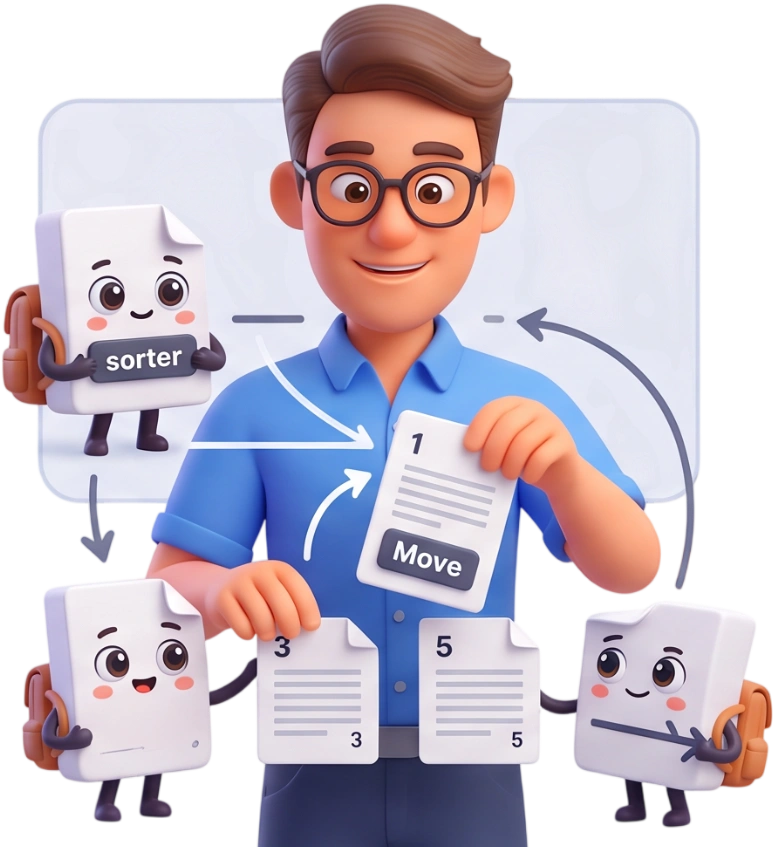
Step 2: Arrange Your Pages
Drag and drop page thumbnails to change their order. Use Select All to mark a group of pages, then Rotate to turn them, Duplicate to copy them, or Delete to remove them from the final file.
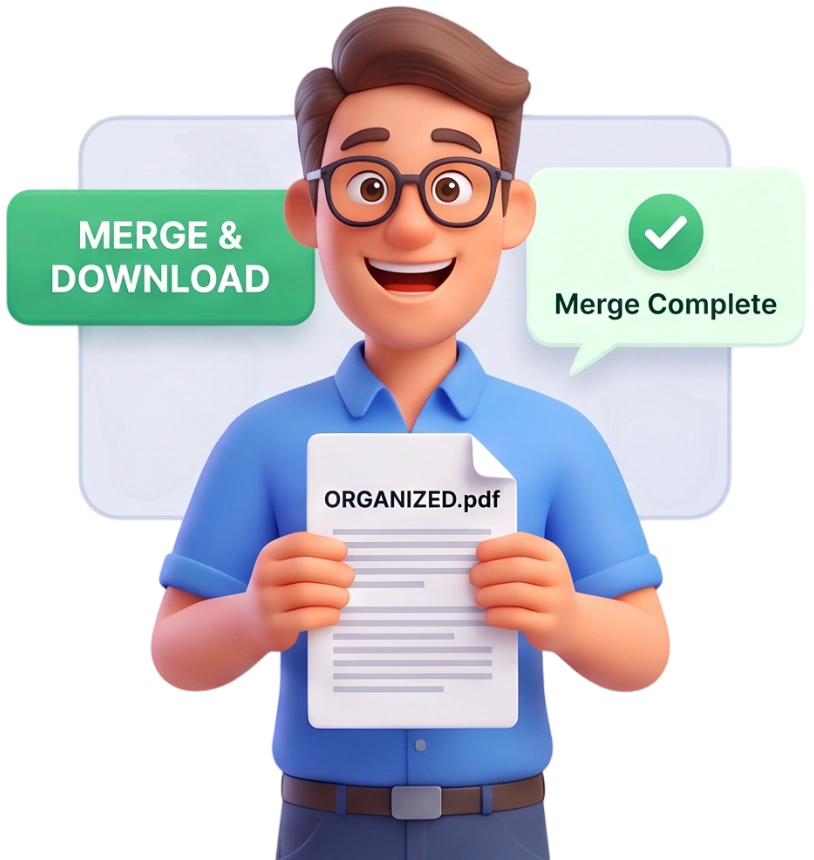
Step 3: Apply Changes and Download
Click Apply Changes. PDFit builds a brand-new PDF in your chosen order and downloads it automatically, leaving your original document completely untouched.
Frequently Asked Questions
What is the maximum PDF file size I can organize?
You can organize PDFs up to 100MB per file. If your document is larger, compress it first and then organize the smaller copy.
Are my files uploaded to a server, or is everything private?
Everything runs locally in your browser. Your PDF never leaves your device, and nothing is stored or uploaded, so even confidential contracts stay private.
Can I organize a PDF on my phone or tablet?
Yes. The tool works in any modern mobile browser, so you can reorder and clean up pages on a smartphone or tablet without installing anything.
Is this tool really free, and do I need an account?
It is completely free. No account, no login, no watermark, and no hidden fees, just upload, arrange, and download.
Is the page order change permanent?
Only in the new downloaded file. PDFit creates a separate organized copy and never edits your original, so the source PDF stays exactly as it was.
Can I reorder pages with drag and drop?
Yes. Grab any page thumbnail and drop it into the position you want. The page counter updates instantly so you always see the current order.
How do I rotate a page that is upside down or sideways?
Select the page (or several pages) using the checkboxes, then click Rotate. Each click turns the selected pages by 90 degrees, and the rotation is applied to the downloaded file.
What happens when I duplicate a page?
Duplicate adds a copy of the selected page to the final PDF, which is useful for repeating title pages or forms. The copy keeps any rotation you applied.
Can I delete blank or unwanted pages?
Yes. Select the pages you want to remove and click Delete. They are simply skipped when the new file is built, so the result contains only the pages you kept.
Does organizing change the quality of the PDF?
No. Pages are copied into a new document at full fidelity, so text, images, and layout look exactly the same. Only the order, rotation, and selection change.
Organize Your PDF Free
Reorder, rotate, and clean up your pages in seconds, no signup, no watermarks, completely free.
Organize My PDF