Rotate PDF
Rotate pages in your PDF to the correct orientation. Rotate individual pages or all at once.
Fix the orientation of any PDF in seconds. Pick a rotation angle, choose which pages it applies to, and download a perfectly aligned document — all without installing anything.
Drag & drop your PDF file here
or click to browse files
Why Rotate a PDF?
Correct page orientation makes documents comfortable to read and print on any screen or paper size.
- Fix scans or phone photos of documents that come out sideways.
- Turn portrait pages to landscape for wide tables and charts that keep getting cut off.
- Correct mixed-orientation files where some pages are upside down after scanning.
- Prepare a document for printing on both sides so every page faces the right way.
How to Rotate a PDF
Upload Your PDF
Drag and drop one or more PDF files into the upload area, or click to browse and select them from your device. Files up to 100MB each are supported, and you can batch several documents at once.
Tip: check a quick thumbnail preview before you rotate so you choose the right angle the first time.
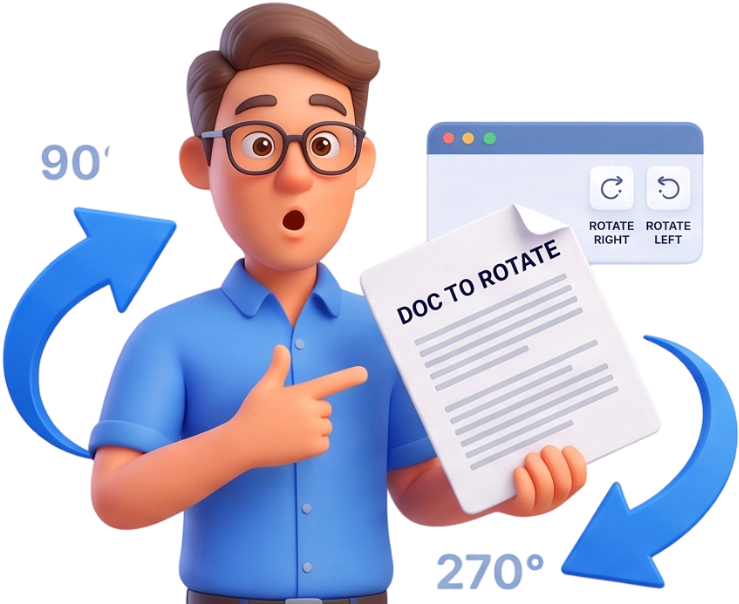
Choose Angle and Pages
Pick the rotation angle from the buttons — 90, 180, or 270 degrees clockwise, plus the matching counter-clockwise options. Then choose Apply to and select All Pages, Odd Pages, or Even Pages to control exactly which pages turn.
Download
Press Rotate Pages and wait a moment while your browser rebuilds the document. Then download your PDF with every page correctly oriented.
Frequently Asked Questions
Is there a limit on the file size?
Yes, each file can be up to 100MB. Larger documents may be split first, rotated in parts, and then merged again if needed.
Are my PDF files uploaded to a server?
No. Rotation happens locally in your browser using JavaScript, and files are automatically deleted from memory after processing. Nothing is stored or shared.
Can I use the tool on my phone or tablet?
Yes. It runs in any modern mobile browser with no app to install, so you can fix a sideways scan even on the go.
Is it really free and do I need an account?
It is completely free with no account, no sign-up, and no watermark on the downloaded file. Just upload, rotate, and download.
Will the quality of my PDF change?
No. Rotation only changes the page orientation metadata; your text, images, and layout stay exactly as they were.
Can I rotate only some pages instead of the whole file?
Yes. Use the Apply to selector to rotate All Pages, Odd Pages, or Even Pages. For a custom set, rotate the odd pages first, then the even ones, using different angles if needed.
Which rotation angles are available?
The tool offers 90, 180, and 270 degrees clockwise, plus their counter-clockwise equivalents (-90, -180, -270). That covers every common fix, from a single sideways page to a fully upside-down scan.
Can I rotate a landscape page to portrait?
Yes. To switch an entire page from landscape to portrait, rotate it by 90 or 270 degrees depending on which way it currently faces.
Does rotating affect text, links, or annotations?
No. Everything on the page turns together — text, images, links, and comments all rotate with the page and stay exactly where they belong.
Can I rotate multiple PDF files at once?
Yes. Upload several files at once and rotate them in a single batch. Each file is processed separately and downloaded with its own rotated copy.
Rotate Pages, Free
No signup, no watermarks, completely free — straighten any PDF right in your browser.
Rotate My PDF