Flatten PDF
Merge all annotations, form fields, and layers into a single flat layer. Make your PDF non-editable.
Flatten PDF merges all annotations, form fields, and layers in your document into one flat page image. The result is a clean, non-editable PDF where every element becomes part of the page itself.
Drag & drop your PDF file here
or click to browse files
Why Flatten a PDF?
Flattening locks in how a document looks so recipients see it exactly the way you intended.
- Prevent recipients from editing or extracting text and form data
- Finalize signed or reviewed documents before distribution
- Remove hidden layers and metadata that no longer belong in the file
- Prepare print-ready files that render identically on any device
How to Flatten a PDF
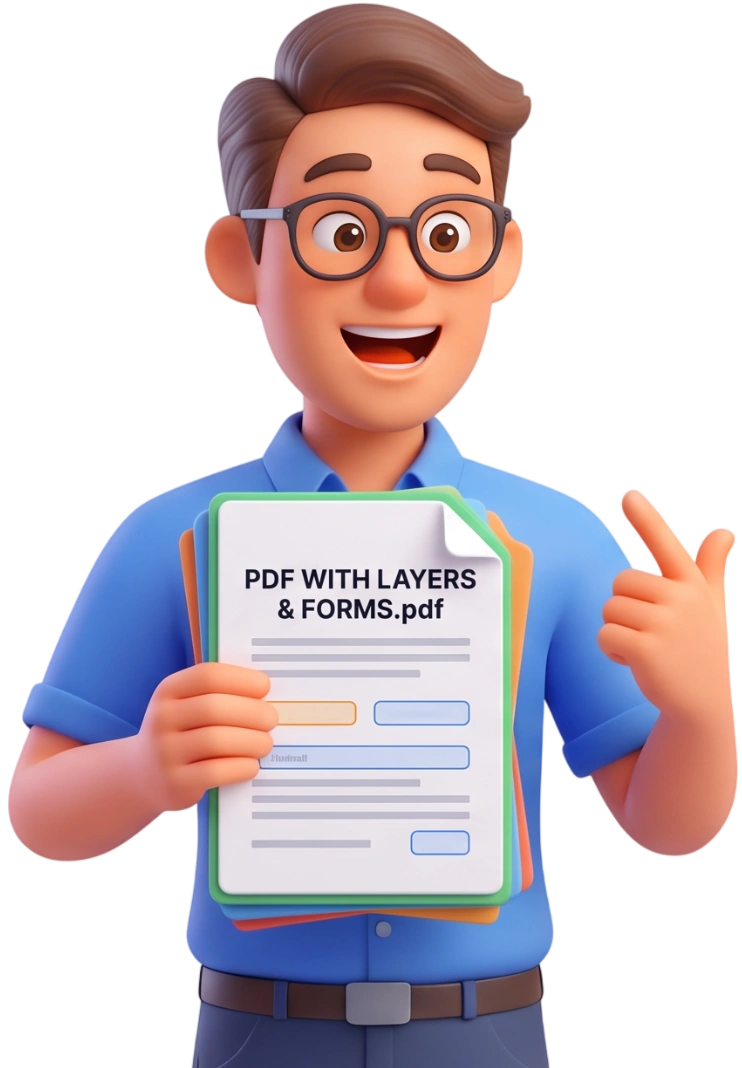
Upload Your PDF
Drag and drop one or more PDF files into the upload area, or click to browse. Files up to 100MB are supported, and you can flatten several documents in one run.
Tip: once a file is flattened there is no way back, so keep the original somewhere safe before you start.
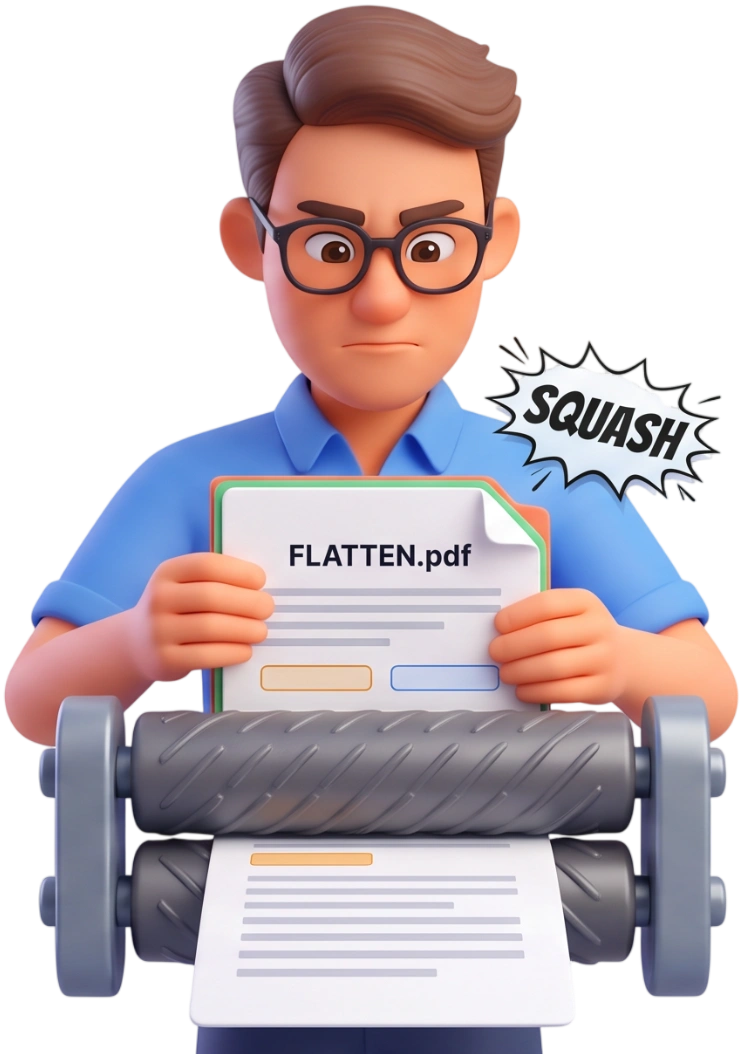
Flatten Your PDF
Click Flatten PDF and the tool renders every page at high resolution, merging all annotations, form fields, and layers into a single image layer. The progress bar shows the page being processed.
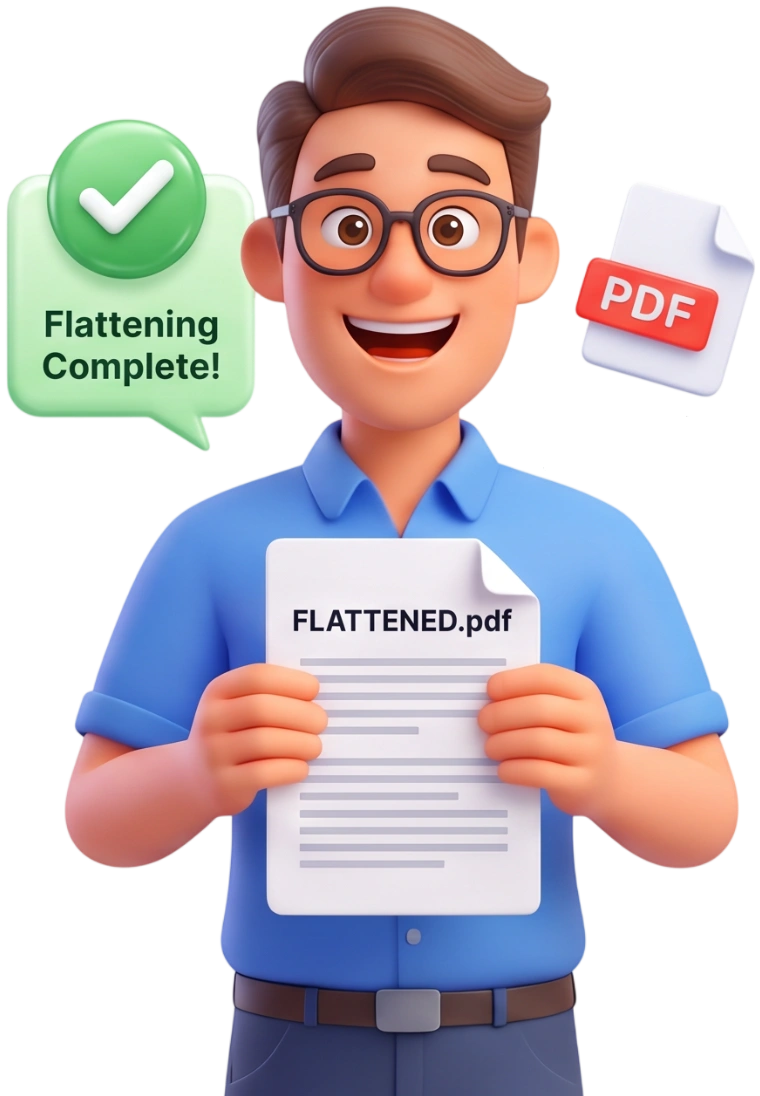
Download the Flattened File
When processing finishes, you see the original and flattened sizes for each file. Download them individually or grab all results in a single ZIP.
Frequently Asked Questions
Is there a file size limit?
Files up to 100MB are supported. Because every page becomes a high-quality image, flattened files can be larger than the original for very text-heavy PDFs.
Are my files uploaded to a server?
No. Flattening happens entirely in your browser; your documents never leave your device and are removed from memory when the session ends.
What does flattening actually do?
It renders each page as a single image and embeds that image in a new PDF. Annotations, form fields, and layers are all merged into the page, and nothing stays editable.
Can I use it on my phone?
Yes, the tool works on phones, tablets, and computers. Just upload, flatten, and download like you would on a desktop.
Is flattening free?
Yes - completely free, with no account, no signup, and no watermark on your flattened PDF.
Will my form fields still work after flattening?
No, and that is the point. Filled form fields become part of the page image, so they can no longer be typed into or changed.
Will text stay selectable or searchable?
No. After flattening, pages are images, so text selection and search no longer work. This is the trade-off that makes the document truly non-editable.
When do I need to flatten a PDF?
Before you share a signed contract, an approved design, or a reviewed report. Flattening also helps when a document has layers or comments that should not be visible to the recipient.
Does flattening remove passwords or encryption?
No. The document content is merged, but any password or permission settings from the source file are not altered by this tool.
Does the layout stay the same?
Yes. Pages keep their original dimensions and look, since each page is rendered at high resolution before being embedded.
Try It Free
No signup, no watermarks, no limits - flatten any PDF and lock in its final look for good.
Flatten My PDF